Start with the day
See active jobs, missing documents and tasks needing attention in one overview.
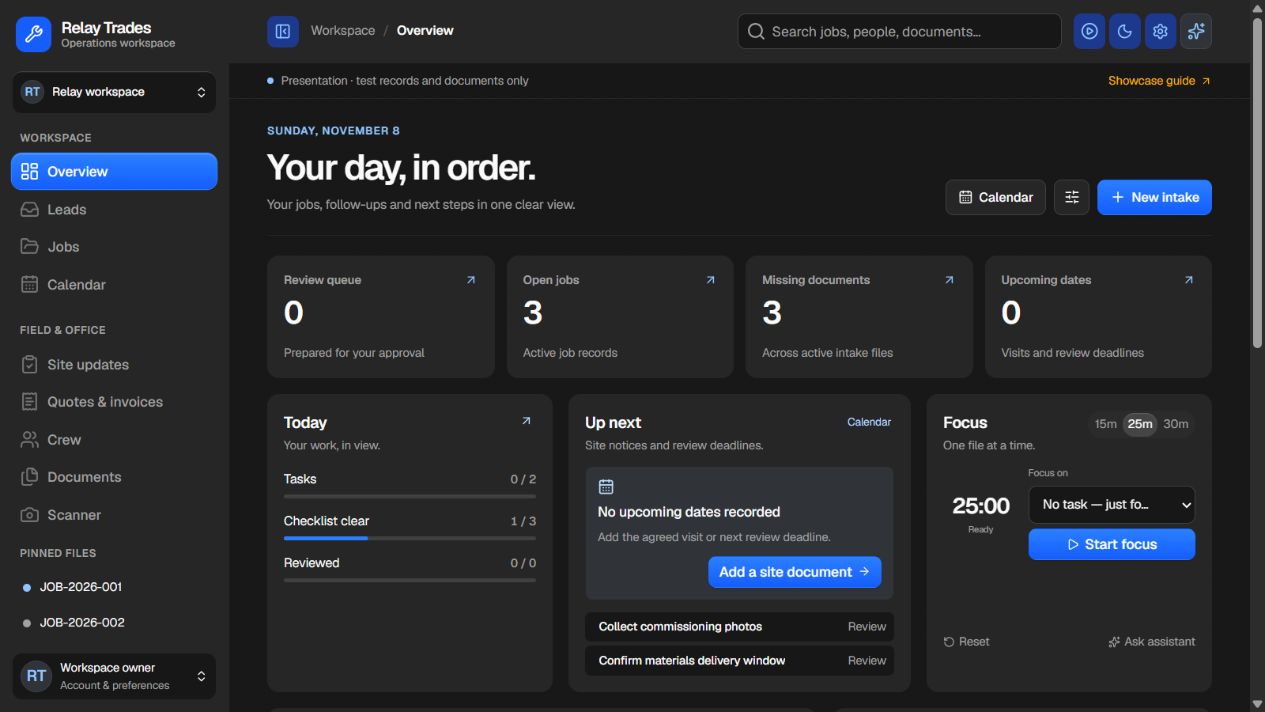 Enlarge screenshot

Custom Operations Platform
One shared job record for your office, crews and customers. Keep the current scope, the next owner and the evidence together.
Map your job handoffs Explore the scopePlatform walkthrough
Scroll through the redesigned workspace. Every screen has a clear role in keeping the next step connected to the job.
Presentation workspace · fictional records · captured 8 November 2026. Screens are in English. Production connections and your exact scope are agreed separately.See active jobs, missing documents and tasks needing attention in one overview.
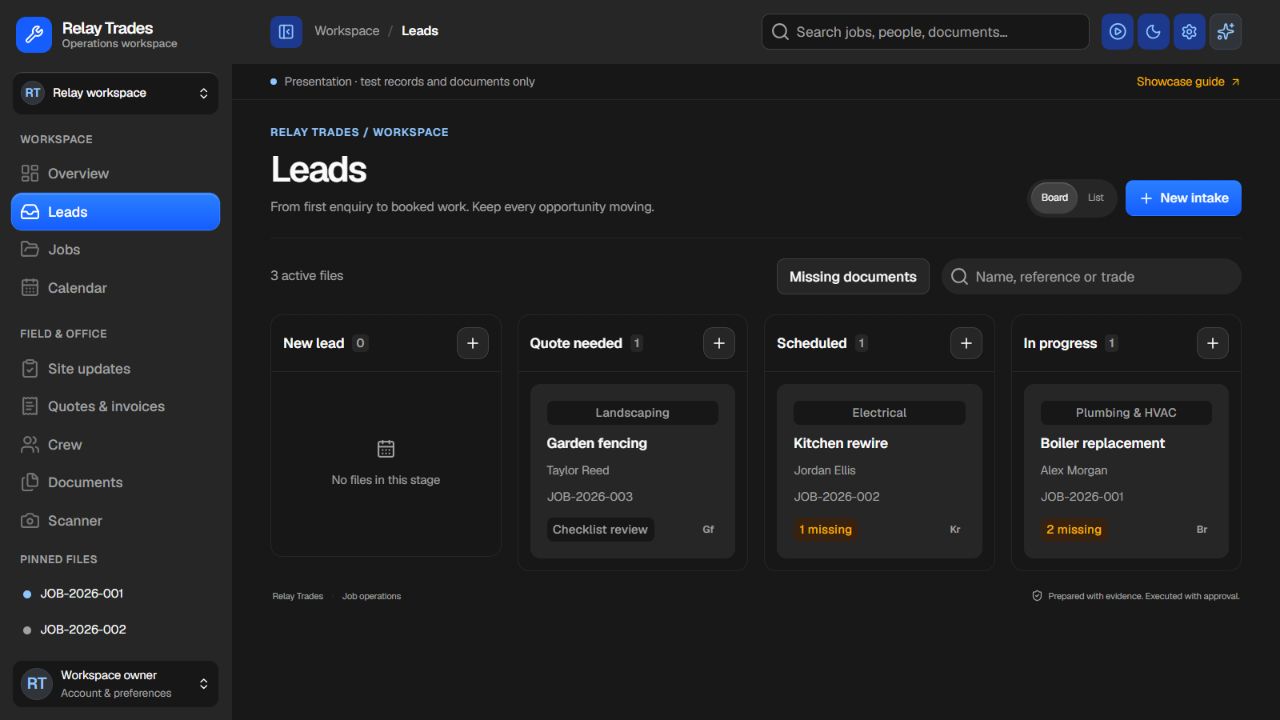
Enlarge screenshotFollow opportunities from a new enquiry through quoting, scheduling and work in progress.
 Enlarge screenshot
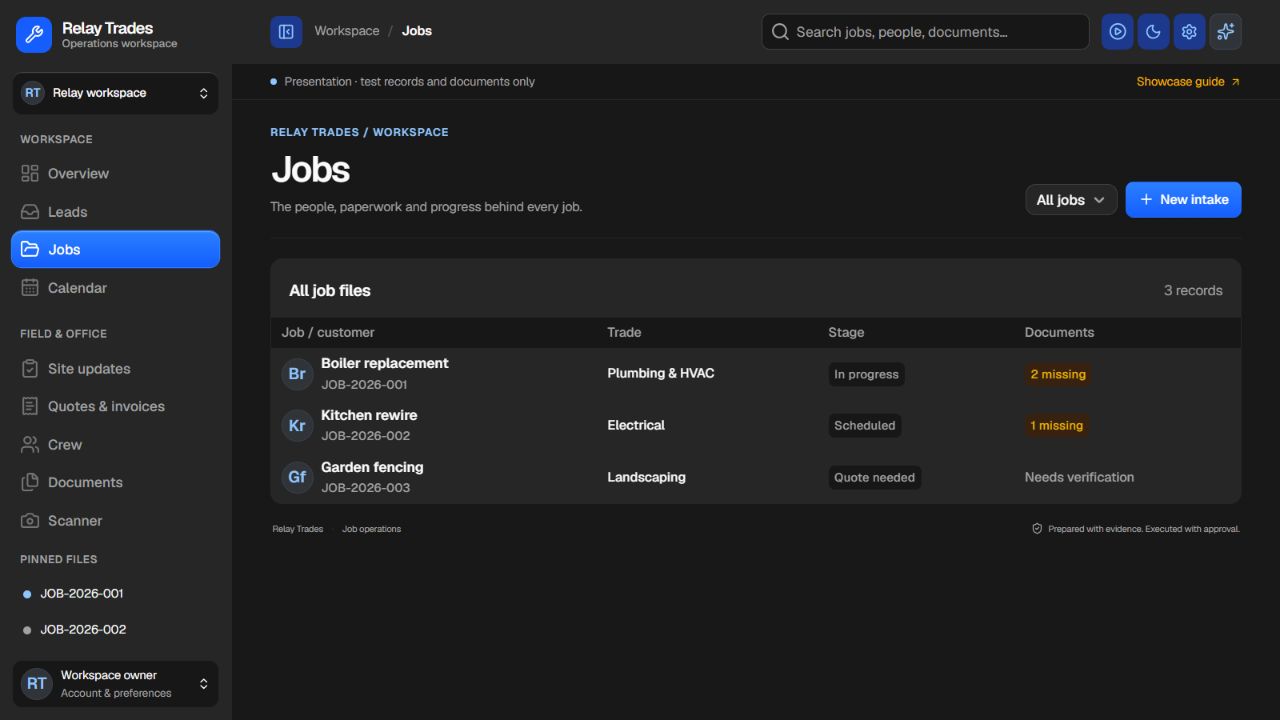
A searchable job register keeps the work, stage and missing paperwork together.
 Enlarge screenshot
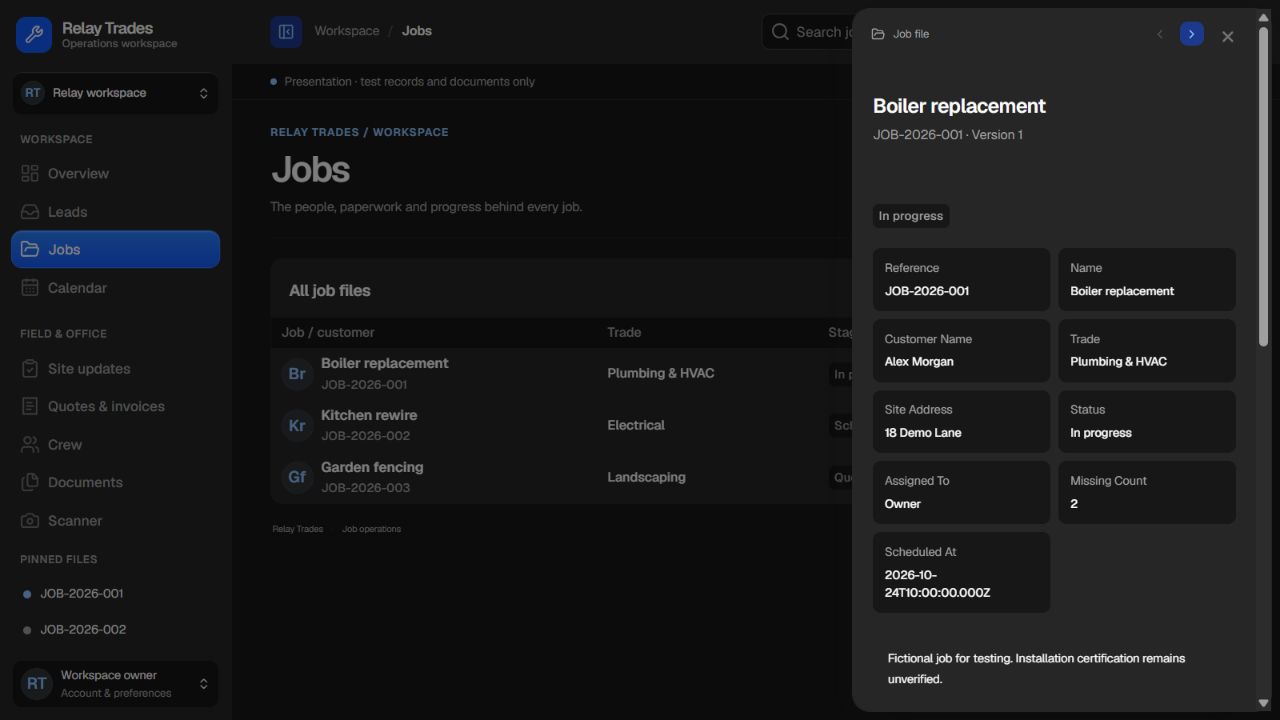
The job file connects the customer, site contact, tasks, visits and commercial records.
 Enlarge screenshot
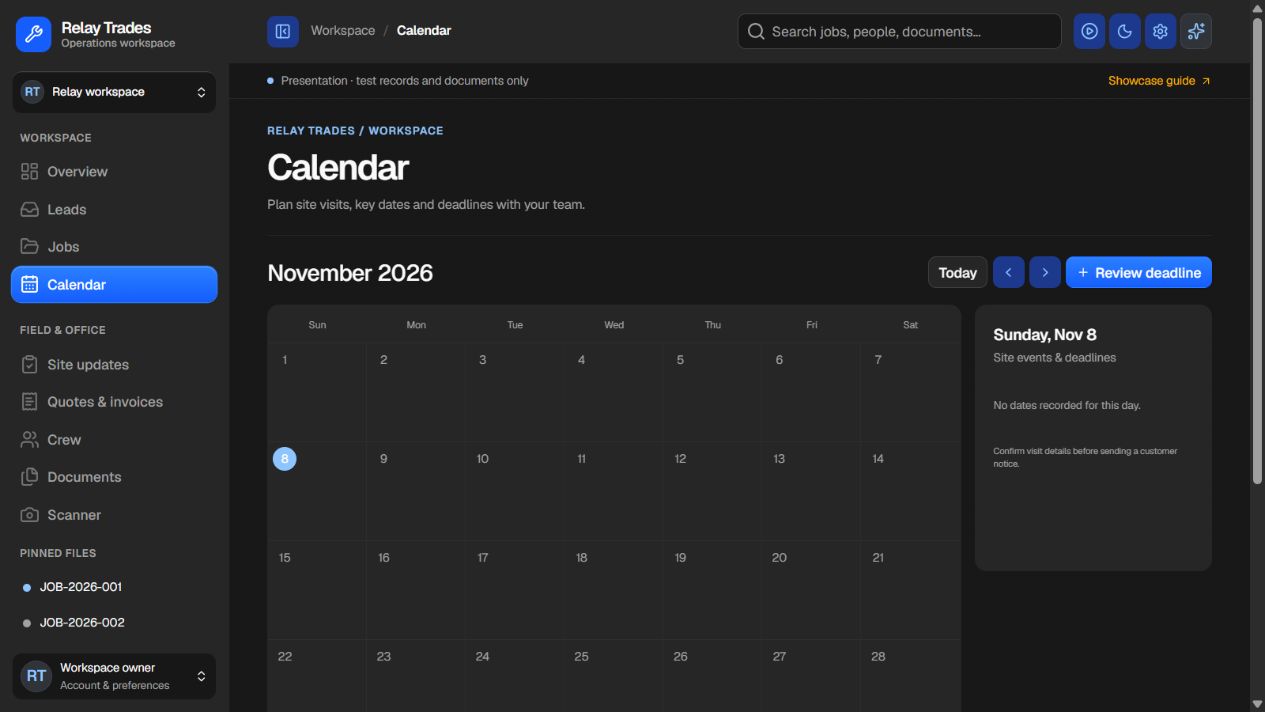
View site dates and review deadlines. Confirm the details before notifying a customer.
 Enlarge screenshot
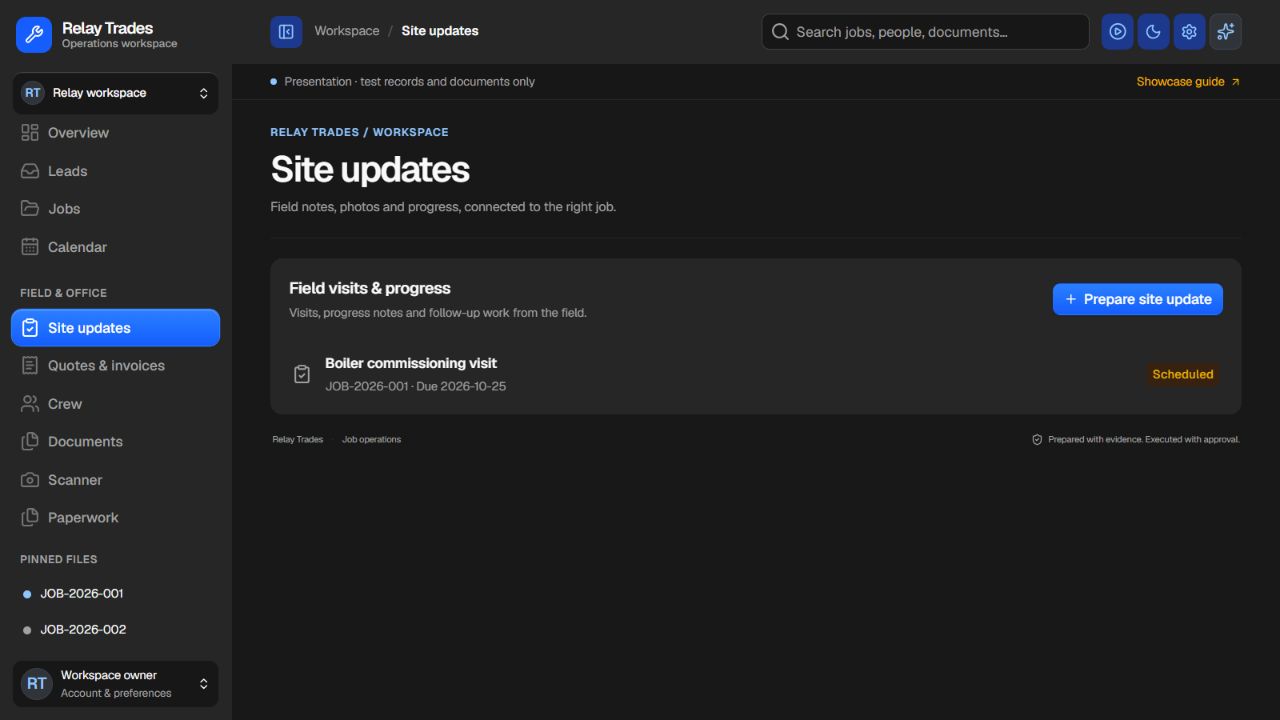
Keep field visits and progress updates connected to their original job.
 Enlarge screenshot
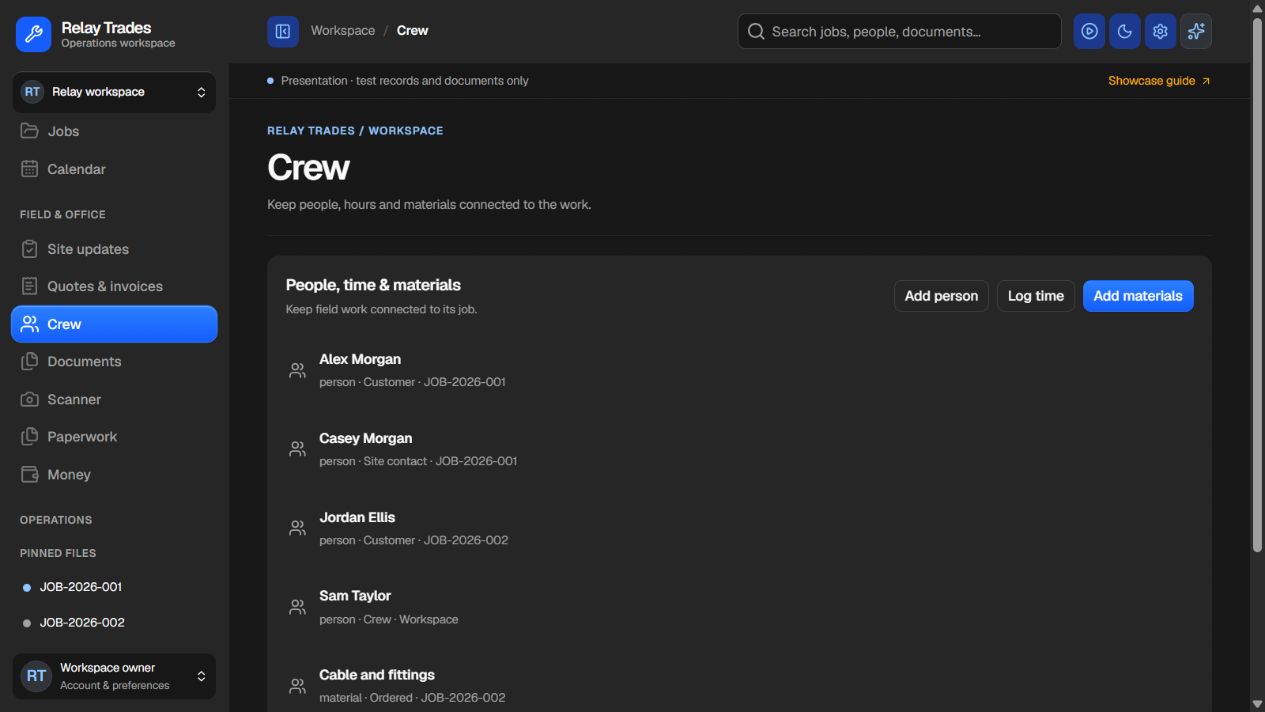
Record crew, contact details, time and materials against the work they belong to.
 Enlarge screenshot
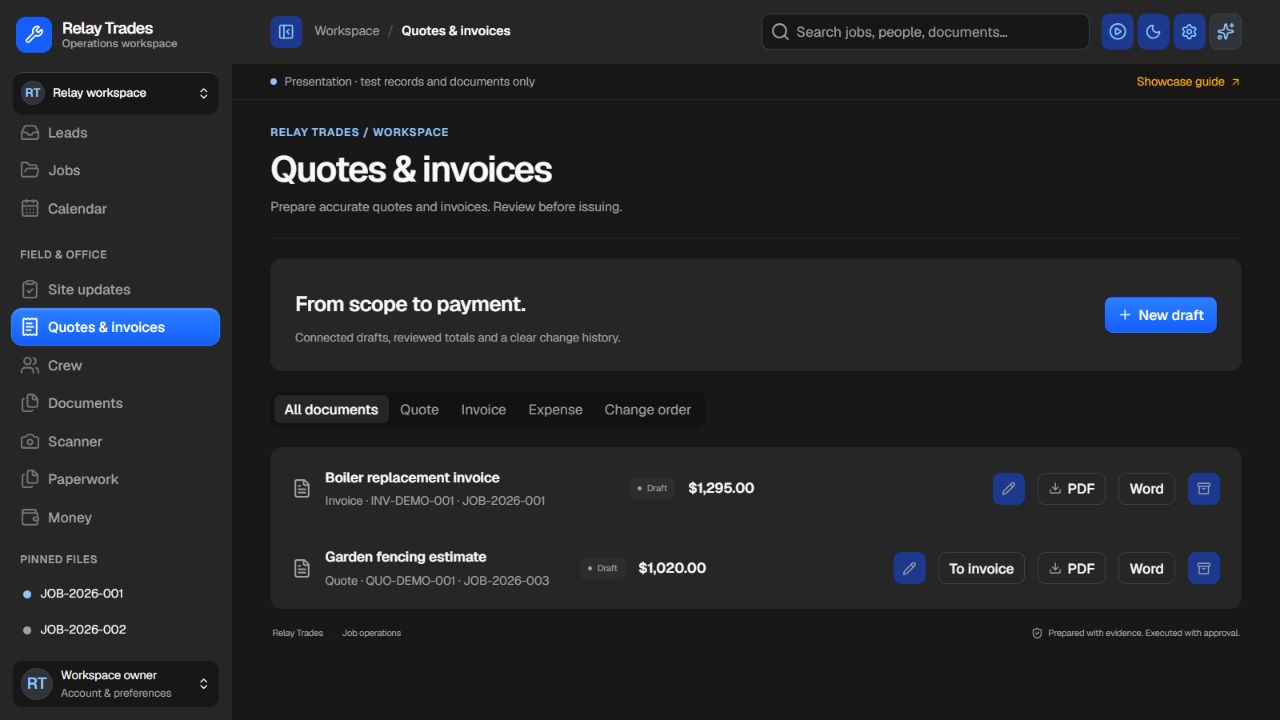
Keep quotes, invoices, expenses and changes in one draft workspace. Review before issuing.
 Enlarge screenshot
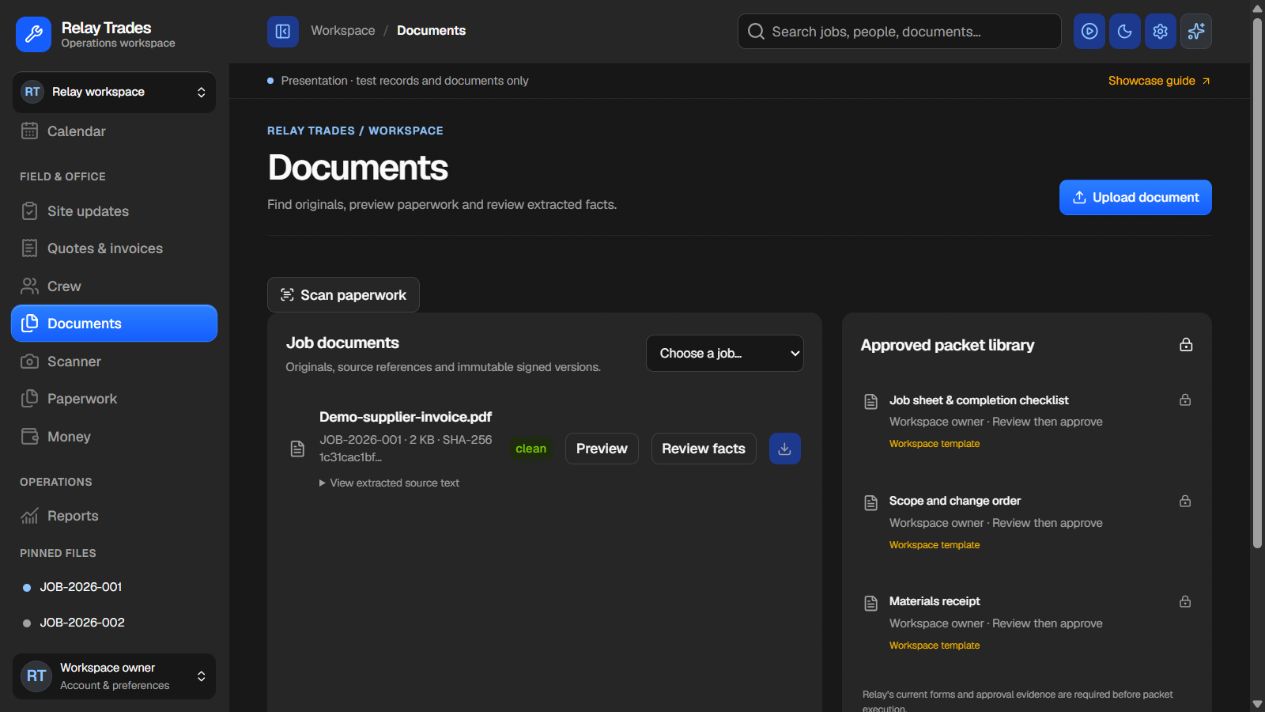
Find source documents, inspect extracted facts and check which job they belong to.
 Enlarge screenshot
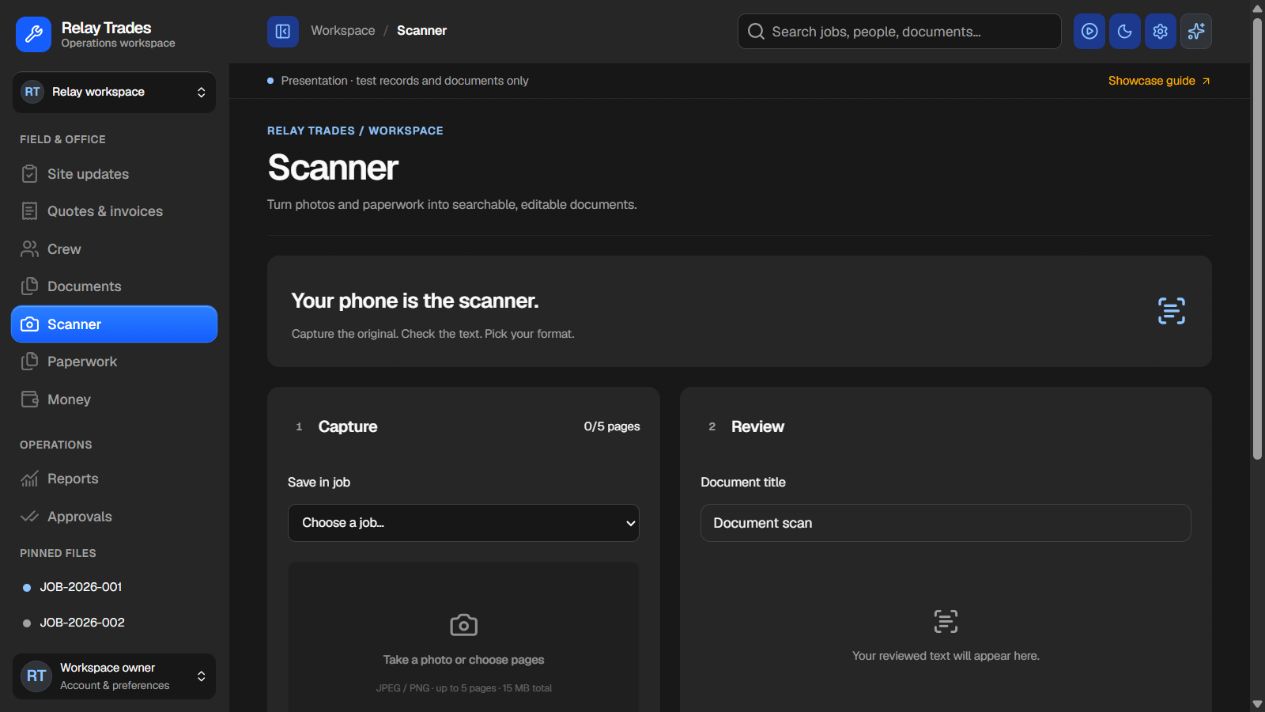
The capture, review and export flow supports scanned pages. Extracted text needs a human check.
 Enlarge screenshot
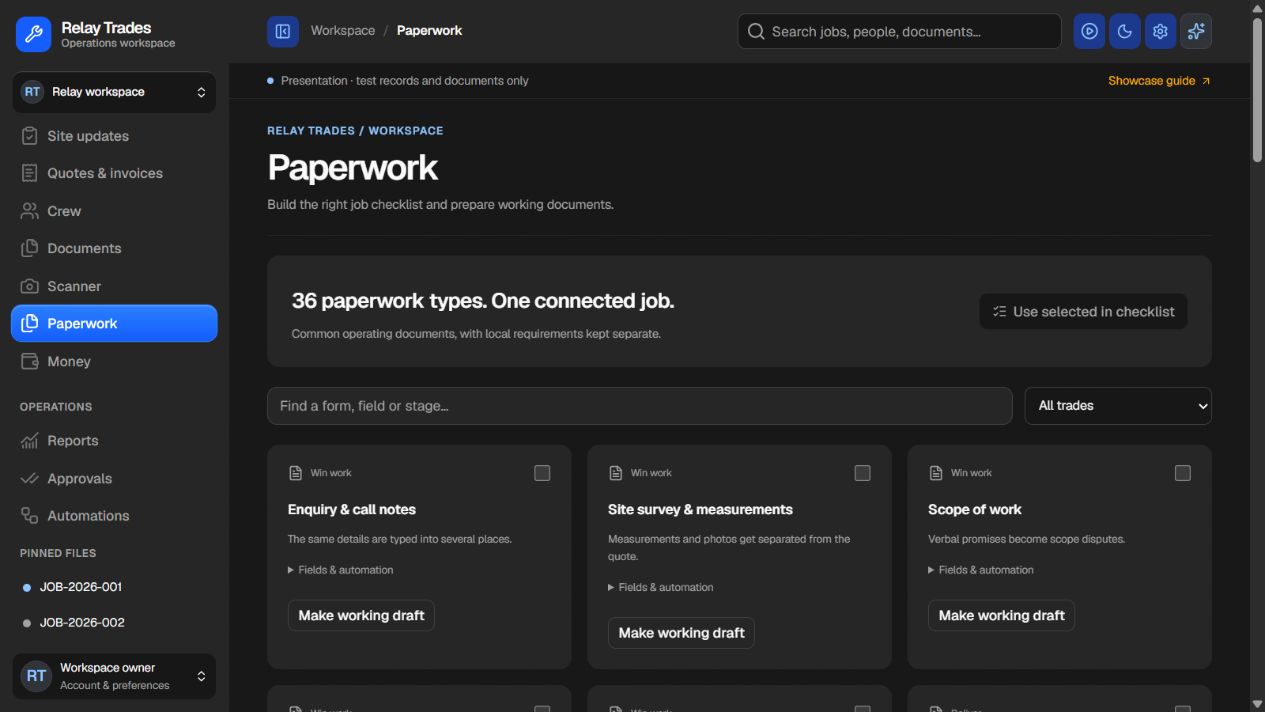
Browse 36 working-document types and build the job checklist. Local requirements remain separate.
 Enlarge screenshot
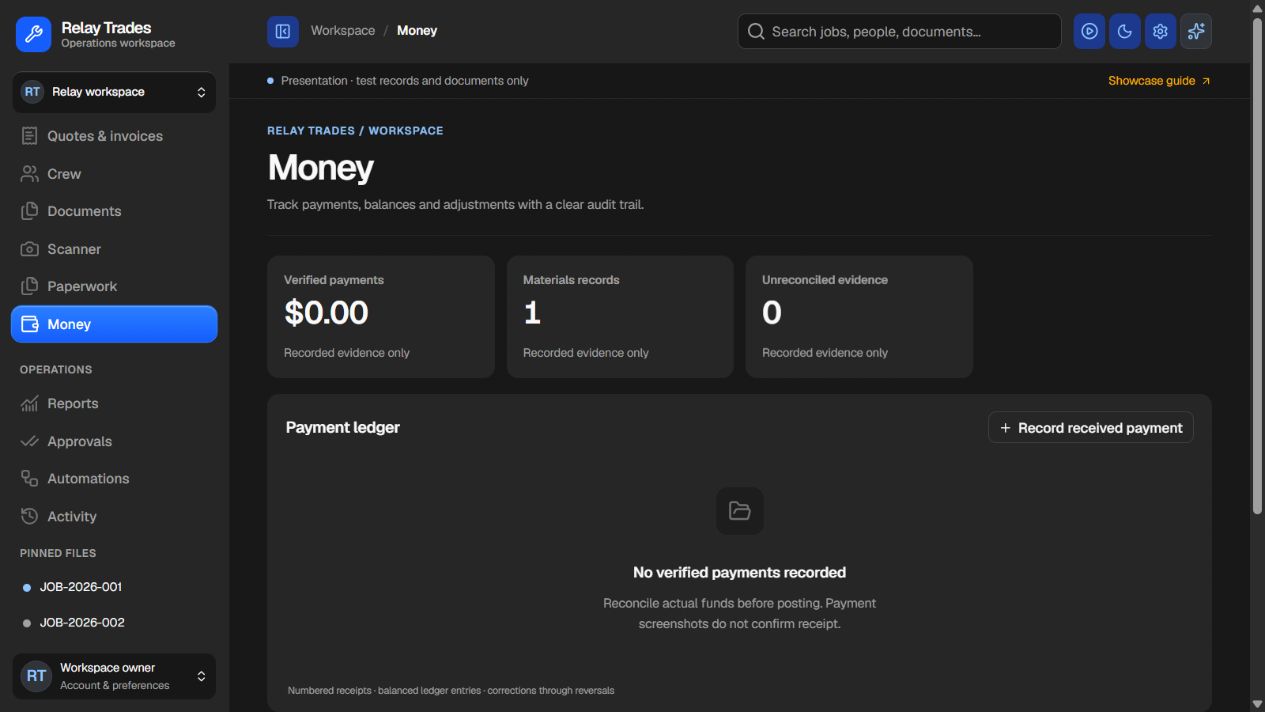
Keep a payment ledger and job-cost references. Record verified funds, not assumptions.
 Enlarge screenshot
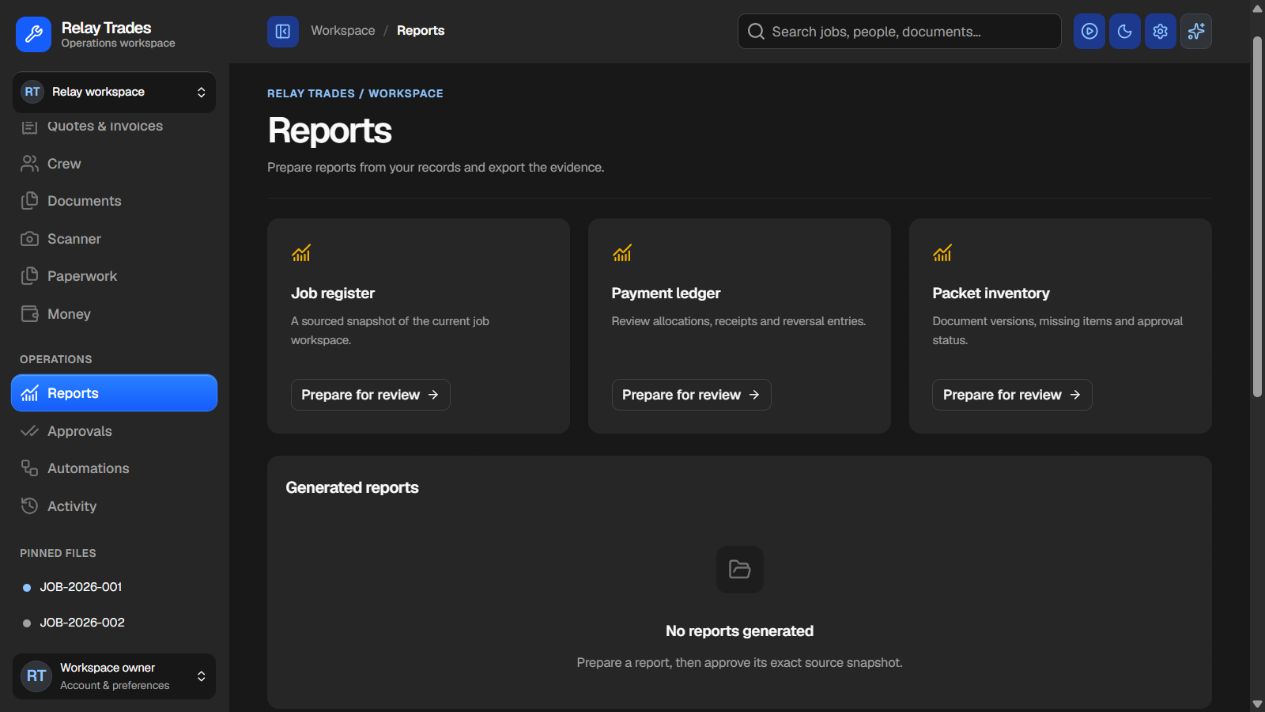
Prepare job, payment and document reports from recorded sources. Targets are not measured results.
 Enlarge screenshot
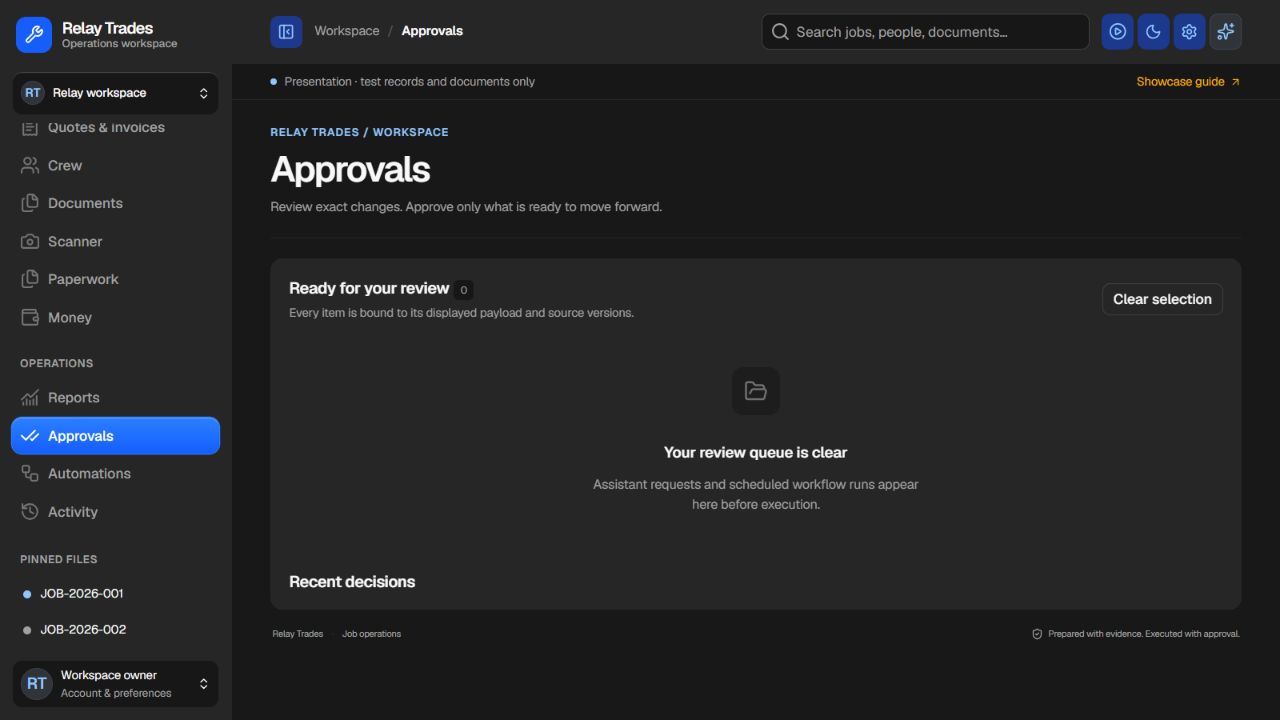
Review the exact proposed changes before approval. The empty queue shown here is real demo state.
 Enlarge screenshot
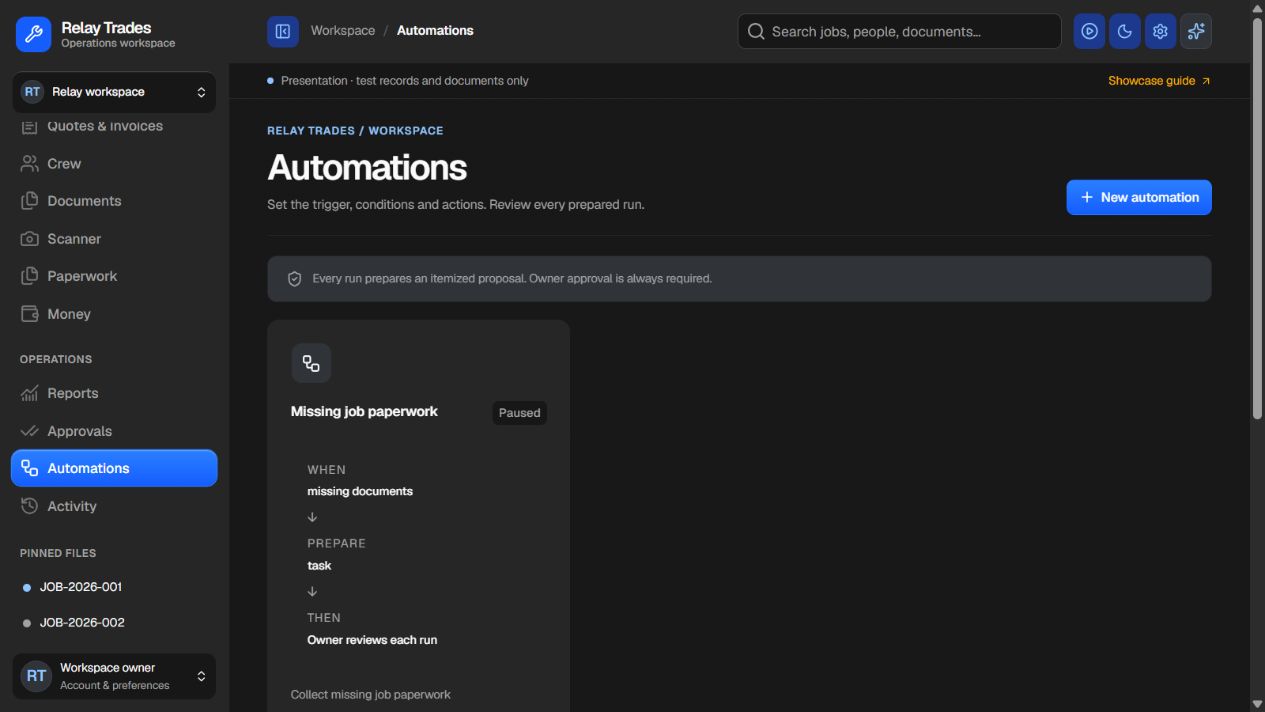
Set triggers and conditions for prepared actions. Each run still requires owner approval.
 Enlarge screenshot
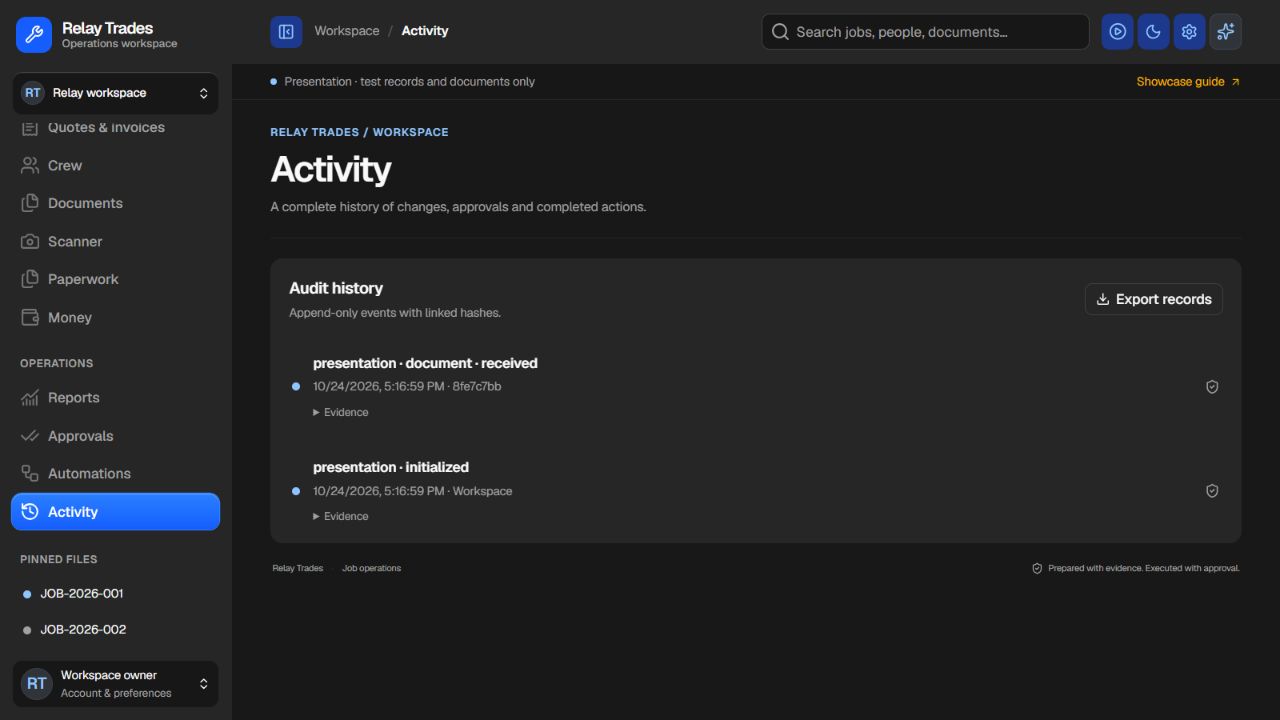
Follow the history of changes and decisions with linked evidence, instead of reconstructing it from messages.
 Enlarge screenshot
The difference
Scope sits in an email, site photos in a chat, and the crew needs an answer before work can continue. The gap is often the handoff—not another missing app.
Crews work from scattered instructions
The current approved job pack travels with the work.
Scope changes disappear into messages
Changes have an owner, impact and approval history.
The office chases photos before billing
Completion evidence is linked to the job and its checks.
Someone has to remember the next action
Responsibilities and unresolved items stay visible.
A workflow comparison, not a measured customer result.
What we build with you
Bring agreed scope, access, files and responsibilities into one place. Keep the accepted version and the source context.
Choose the job views, crew updates, checklists and scheduling steps your workflow needs.
Record scope, cost and scheduling effects. People approve changes before the altered work or price is released.
Link photos, notes and agreed completion checks to the record. Define what the office needs before billing can proceed.
Your investment
Scope, usage and third-party costs are confirmed in your proposal. All listed fees are based in USD.
From conversation to scope
Diagnose a recent handoff that broke down.
Agree modules, roles, connections and acceptance checks.
Build, test and roll out the agreed workflow.
Not automatically. We first check whether configuration or a reliable connection can solve the gap. A custom build should address a confirmed workflow problem.
Critical scope, pricing and release decisions stay with people. Each automation needs agreed inputs, permissions, review steps and a fallback owner.
Related guide: The job owner is away. Who can decide next?
Start with the work, not the software.